Notice. New forum software under development. It's going to miss a few functions and look a bit ugly for a while, but I'm working on it full time now as the old forum was too unstable. Couple days, all good. If you notice any issues, please contact me.
DaveC5 Newbie Joined: 24/09/2025 Location: United KingdomPosts: 40
Posted: 05:32pm 28 Feb 2026
Copy link to clipboard
Print this post
Afternoon all,
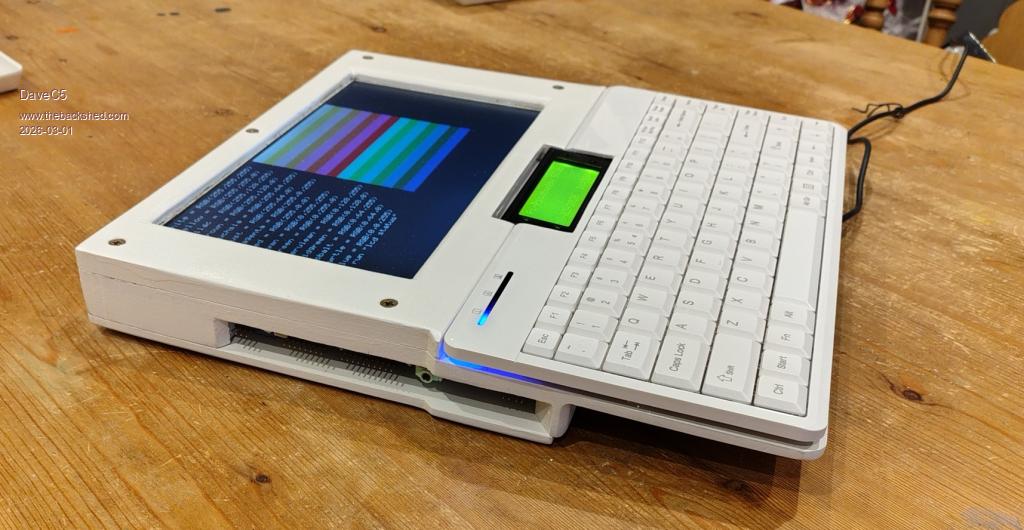
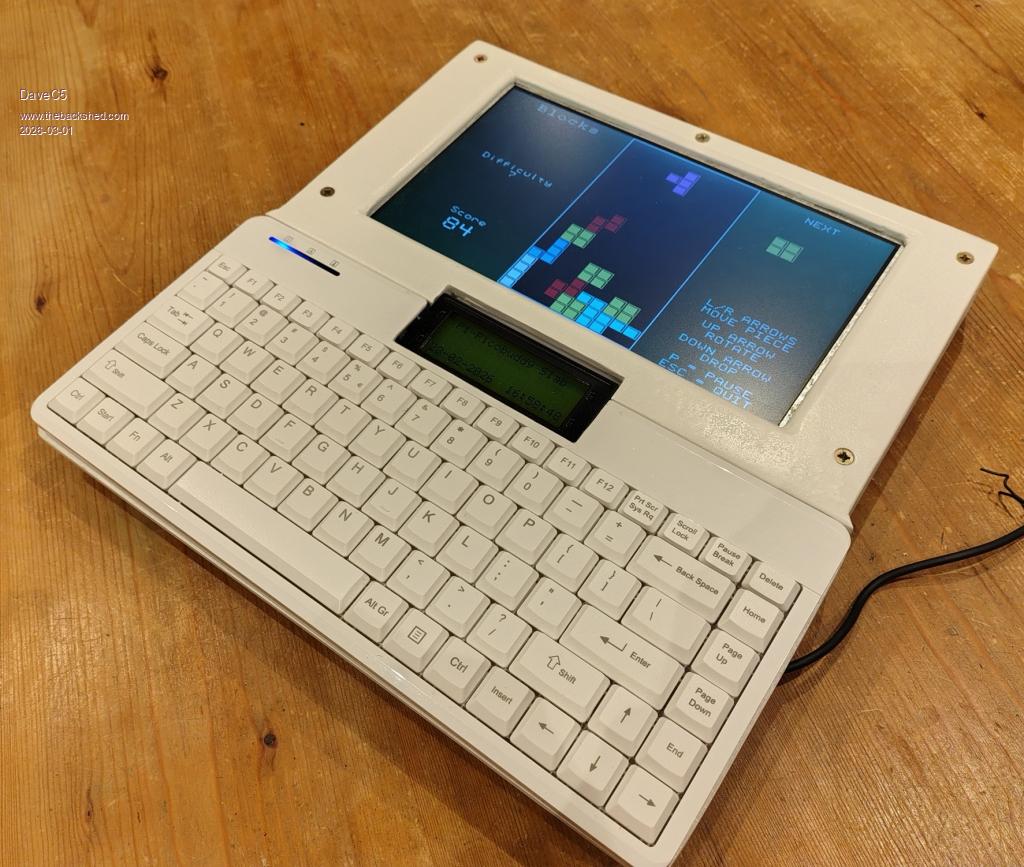
I got a bit fed up with working on a bunch of parts spread over the table, so I faffed about with some old MDF drawer-bottoms, a 10" car LCDTV, a Perixx PS2 keyboard and a Pi-Picobuddy board to make something a little more user-friendly.
I really wanted one of those Tandy TRS-80 Model 100's back in the day, and latterly got an Amstrad NC100 and a Sinclair Z88 to play with. The limitation was always the relatively small character display, and the slab format has its flaws, but I still like it for the nostalgic value and now I can pick everything up and carry it around a lot easier.
Cheers Dave
dddns Guru Joined: 20/09/2024 Location: GermanyPosts: 924
Posted: 05:42pm 28 Feb 2026
Copy link to clipboard
Print this post
Super!!!
Edit: Is this HDMI and what resolution(s) are possible? Edited 2026-03-01 03:47 by dddns
phil99 Guru Joined: 11/02/2018 Location: AustraliaPosts: 3416
DaveC5 Newbie Joined: 24/09/2025 Location: United KingdomPosts: 40
Posted: 07:17am 01 Mar 2026
Copy link to clipboard
Print this post
Hi,
It's just VGA. I have it set to 800x600, which is the native resolution of the LCDTV screen.
DaveC5 Newbie Joined: 24/09/2025 Location: United KingdomPosts: 40
Posted: 07:28am 01 Mar 2026
Copy link to clipboard
Print this post
Hi,
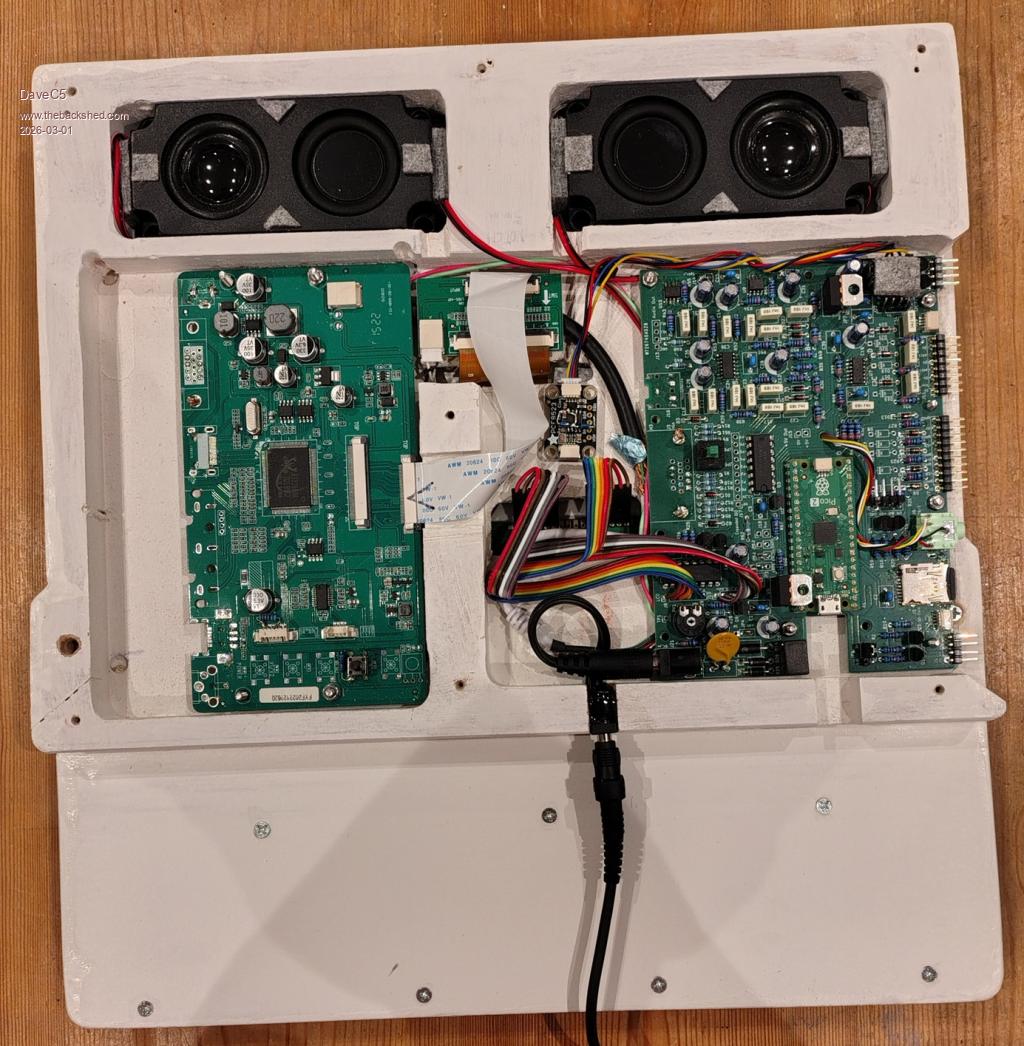
The LCDTV came with HDMI, VGA, BNC etc. interfaces, and the Pi-PicoBudddy only has a VGA output. To keep everything as compact as possible I removed all the unecessary connectors and hard-wired the necessary pins of the two VGA socket footprints together using a short length of cable salvaged from an old VGA lead, keeping individual screens etc. as intact as possible.
The slightly trickier bit was bodging on a "Source Selection" button so that the screen defaults to the VGA input, since I wasn't using the front-panel board from the LCDTV. It remembers the last setting, thankfully, but I've left the pushbutton as a recessed-access control just in case it ever forgets.
DaveC5 Newbie Joined: 24/09/2025 Location: United KingdomPosts: 40
Posted: 07:30am 01 Mar 2026
Copy link to clipboard
Print this post
I should add that it's using the Pi 2 to get 800 x 600
Cheers
gadgetjack Senior Member Joined: 15/07/2016 Location: United StatesPosts: 240
Posted: 08:53pm 01 Mar 2026
Copy link to clipboard
Print this post
Very nice project. Looks great!
PeteCotton Guru Joined: 13/08/2020 Location: CanadaPosts: 667
Posted: 10:05pm 02 Mar 2026
Copy link to clipboard
Print this post
Looks great! Thanks for sharing!
mozzie Guru Joined: 15/06/2020 Location: AustraliaPosts: 470
Posted: 01:58pm 05 Mar 2026
Copy link to clipboard
Print this post
G'day Dave, That is a great looking unit very nice work. If you hadn't mentioned it is made of MDF I'd have assumed it was some flashy textured plastic material.
Regards, Lyle.
DaveC5 Newbie Joined: 24/09/2025 Location: United KingdomPosts: 40
Posted: 05:53am 06 Mar 2026
Copy link to clipboard
Print this post
Cheers Lyle,
It wasn't great MDF either, the stuff used to make drawer bottoms, except for the thicker slab used to make the housing for the boards which came out of the offcuts bin at the local DIY store.
A couple of coats of Zinnser Bin primer/sealer and some 160 grit-enabled elbow grease worked wonders, though. The Z-B soaks well into the MDF and sets hard, so the surface feels like plastic.
Cheers Dave
Mixtel90 Guru Joined: 05/10/2019 Location: United KingdomPosts: 9238

 Notice. New forum software under development. It's going to miss a few functions and look a bit ugly for a while, but I'm working on it full time now as the old forum was too unstable. Couple days, all good. If you notice any issues, please contact me.

 Print this post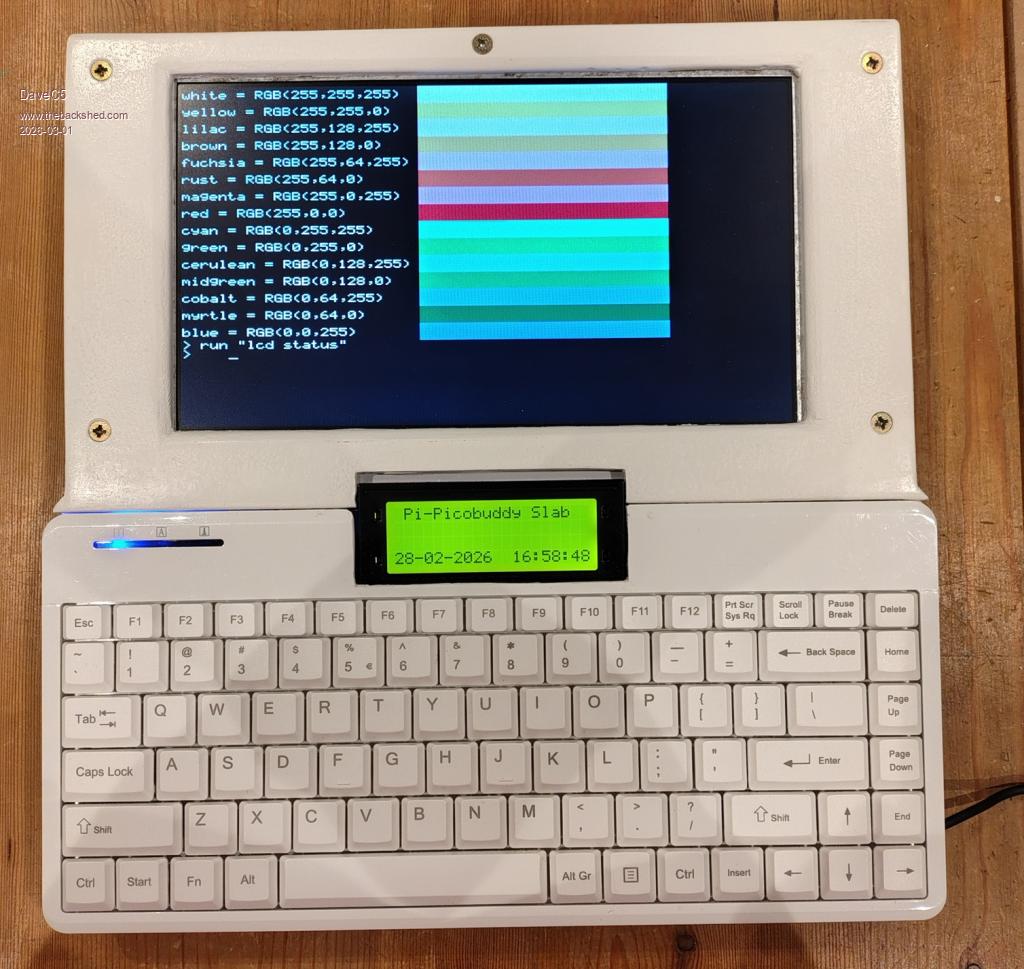


 very nice work.
