Posted: 04:25pm 27 Mar 2026 Copy link to clipboard
stanleyella Guru
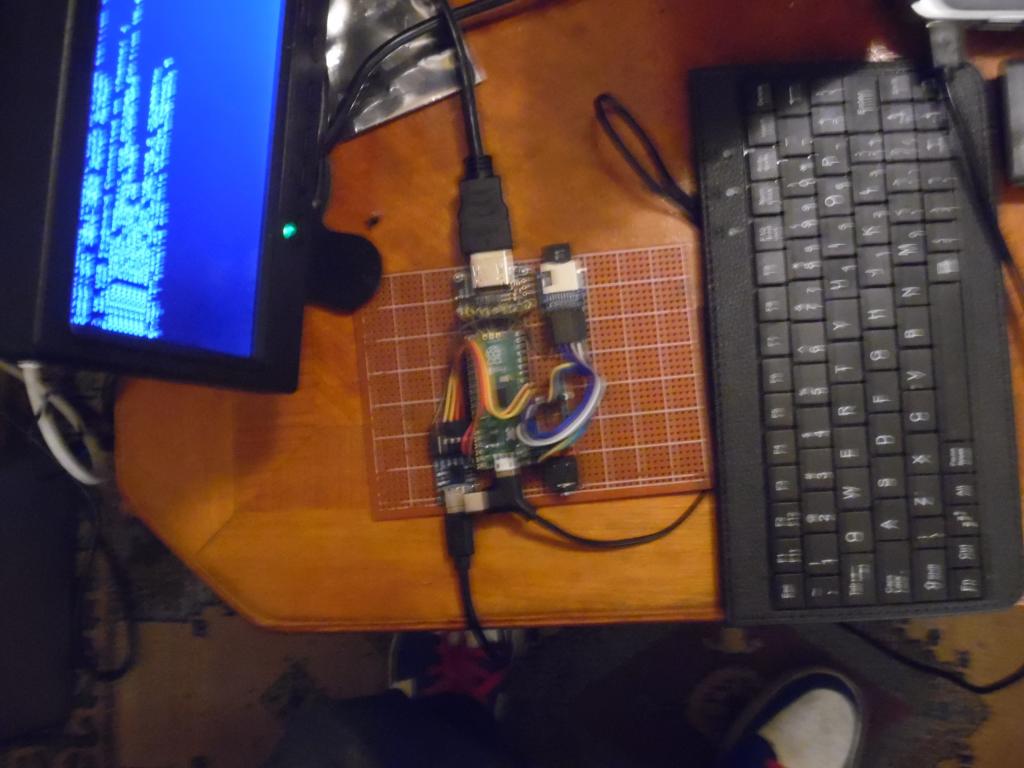
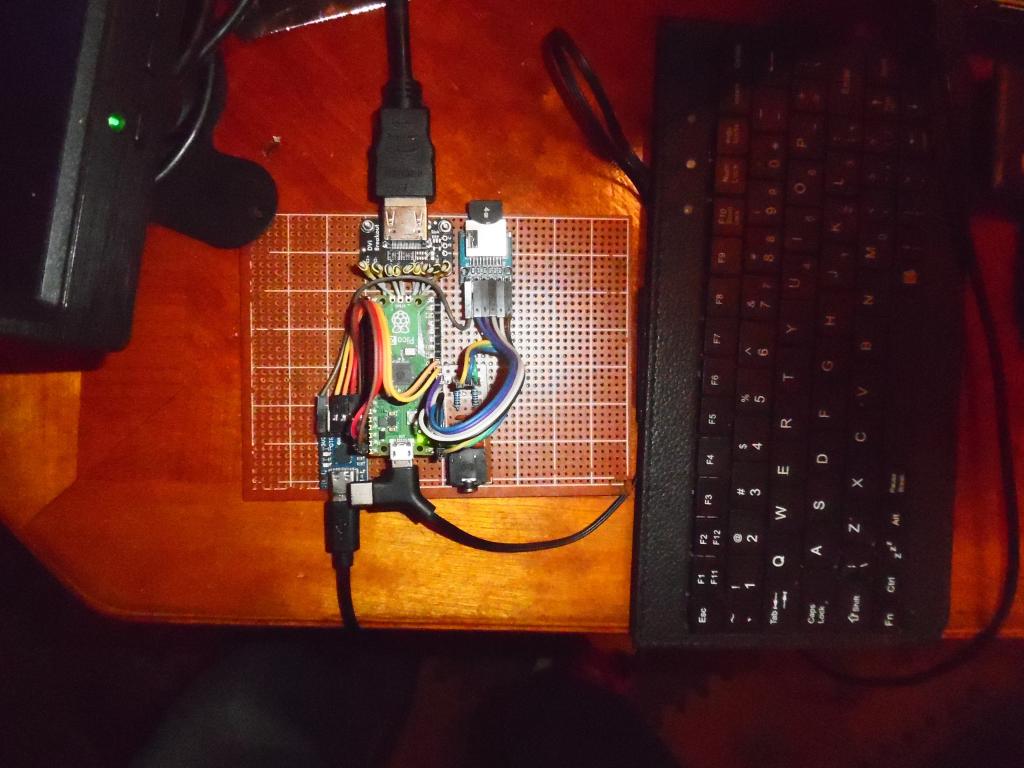
I just tried another board rp2350a usb hdmi edition v6. 01. 00b2 and mmedit-mmcc works fine, so this and an 2350 ili9341 with beta software work but not this latest version. As it's usb it uses a usb to ttl converter on serial console. I used gp20,gp21 and it worked before this latest version. I changed the options, added sdcard but tried option serial console com2,gp20,gp21 got Error : Invalid pin latest version loaded on linux then win 11. hdmi usb 2350a version not right maybe?
Posted: 05:32pm 27 Mar 2026 Copy link to clipboard
Volhout Guru
Not sure, but console uart was fixed at gp8, gp9 on pico usb , right?
Volhout
Posted: 06:05pm 27 Mar 2026 Copy link to clipboard
stanleyella Guru
Posted: 06:29pm 27 Mar 2026 Copy link to clipboard
stanleyella Guru
If user feedback still welcome, I tried again on rpi400 and mmedit worked fine with latest edition mmbasic on pico usb hdmi connected to rpi 400. nice one Jim. the gp8,gp9 for serial or others not allowed??
Posted: 08:57pm 27 Mar 2026 Copy link to clipboard
phil99 Guru
Haven't tried USB HDMI but latest VGA firmware allows the console to be on other pins. PicoMiteVGA MMBasic RP2350A Edition V6.02.01
Using OPTION SERIAL CONSOLE DISABLE then OPTION SERIAL CONSOLE GP20, GP21 moved the console from GP8, GP9 to GP20, GP21 . Edited 2026-03-28 07:45 by phil99
Posted: 07:36am 28 Mar 2026 Copy link to clipboard
Volhout Guru
@Peter,
Any idea what has changed for RP2040 between rc8 and final release ?
RP2040 VGA logic analyzer LA25
version framerate 6.02.01rc7 149 ms 6.02.01rc8 119.7ms 6.02.01rc9 not tested 6.02.01release 130 ms
It is still 19ms faster than rc7, but you lost 10ms versus rc8.
Volhout
Posted: 10:12am 28 Mar 2026 Copy link to clipboard
mozzie Senior Member
G'day, @Stanleyella, not sure if you have now sorted your problem?
Just tested: PicoMiteHDMI MMbasic USB RP2350A Edition V6.02.01 and PicoMite MMbasic USB RP2350A Edition V6.02.01
By typing OPTION SERIAL CONSOLE GP20,GP21 the console moves to GP20 / GP21 as requested, also works with GP4,GP5 (option serial console disable is also not required)
It is the case that the serial console defaults to GP8,GP9
Good luck
Regards, Lyle. Edited 2026-03-28 20:25 by mozzie
Posted: 03:58pm 28 Mar 2026 Copy link to clipboard
stanleyella Guru
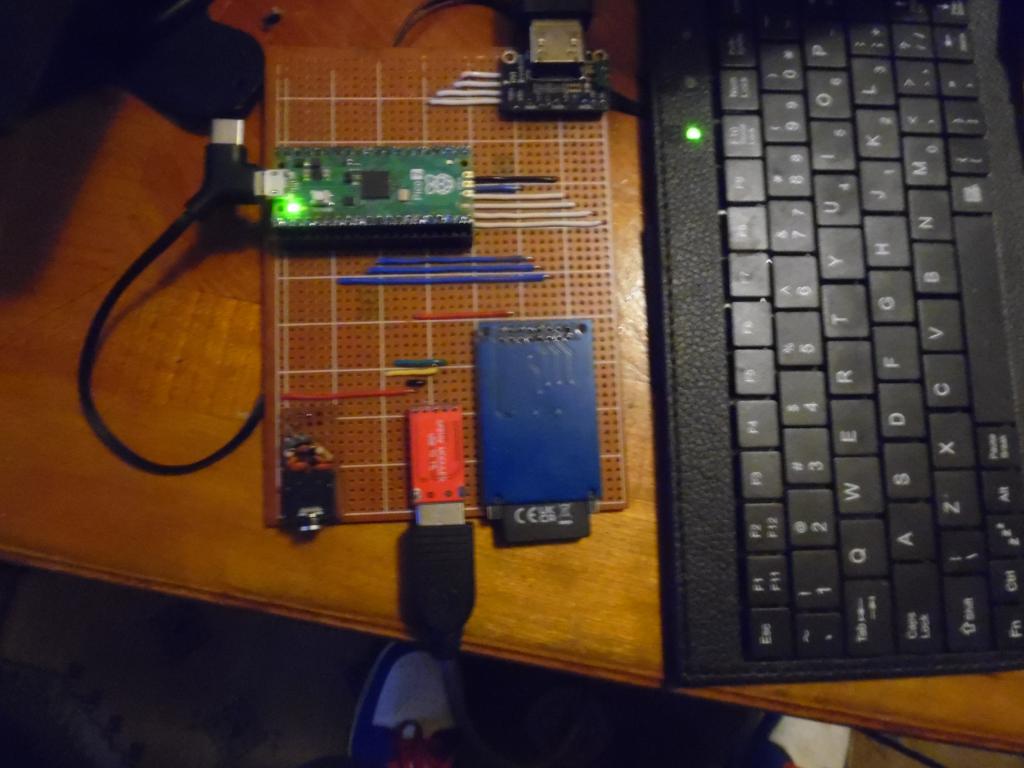
Lyle, you had more luck than me. I don't know where the option list came from on latest release. The board was set wired for the usb to serial converter to use com2,gp20,gp21. mmedits mmcc terminal didn't work. used the usb keyboard and otion list to show com2 set to gp8,gp9 and setting other pins still gives error : invalid pin. still it works but as the usb to ttl is mounted on one side of the pico I wanted to use ports on that side. now leads cross over the pico. omg end of the world
looked a bit tidier before. maybe get it back one day to gp20,gp21
Edited 2026-03-29 02:24 by stanleyella
Posted: 08:29pm 28 Mar 2026 Copy link to clipboard
phil99 Guru
Stan, perhaps you have been typing this - OPTION SERIAL CONSOLE com2,gp20,gp21
Leave out the com2, just type this:-
OPTION SERIAL CONSOLE GP20, GP21
Both Lyle and I have shown this works.
Posted: 09:57pm 28 Mar 2026 Copy link to clipboard
stanleyella Guru
@phill99, thanks. I updated latest mmbasic to another usb hdni 2350 and it used gp8,gp9 . This was no problem this time.happy days. mmedit/mmcc working fine.
sorry no pcb, bread board next :)
Posted: 01:44pm 29 Mar 2026 Copy link to clipboard
matherp Guru
Volhout
You asked about performance for the RP2040 VGA version and what has changed:
Version.h
Was #define VERSION "6.02.01RC8" // define the version number Now #define VERSION "6.02.01" // define the version number Affects Startup Banner
memory.c Was strcat((char *)inpbuf, " Embedded Fonts"); Now strcat((char *)inpbuf, " Embedded Font"); Affects Memory command
Was while (!(MMfeof(fnbr)) && n--) *fromp++ = FileGetChar(fnbr); if (n) Now unsigned int bytesRead = 0; FileGetData(fnbr, fromp, n, &bytesRead); if ((int)bytesRead != n) Affects Memory Input command
Any one of those changes impacts the performance of LA_24_2 and LA_25 even though none of them have anything to do with it. Why: Any tiny change can affect XIP flash cache hit success rate for commands that come after the change in memory. In your case the program uses the PRINT command extensively and this seems particularly affected by the code that has changed. A flash cache miss costs ~150ns (QSPI read) vs ~1 cycle for a hit. If a function in a hot loop keeps getting evicted, that single conflict multiplies across millions of iterations → 10% overall slowdown.
Posted: 01:51pm 29 Mar 2026 Copy link to clipboard
Mixtel90 Guru
I think you should celebrate your post count (11111), Peter. :) . Edited 2026-03-29 23:54 by Mixtel90
Posted: 06:47pm 29 Mar 2026 Copy link to clipboard
dddns Guru
I'm testing on a Pico W and planning to buy a Pico 2 W. I have tested my preferred method Autosave using it with standard Linux Telnet. That worked fine with 40Kb size and 20mSec linedelay.Cool When using a telnet session as console, then there is delay when typing. When working with the editor, scrolling stutters. You see the stuttering very simultaneous on serial as well. Now hitting down some times and getting the right moment, there is continuous flow at maximum speed, same for cursor up. That gave me hope that it could be fixed.
Tested putty and Option telnet console only as well..didn't help Edited 2026-03-30 04:56 by dddns
Posted: 08:21pm 29 Mar 2026 Copy link to clipboard
matherp Guru
Telnet has massive protocol overheads for serial I/O with remote echo. This is as good as it gets.
Posted: 10:13pm 29 Mar 2026 Copy link to clipboard
stanleyella Guru
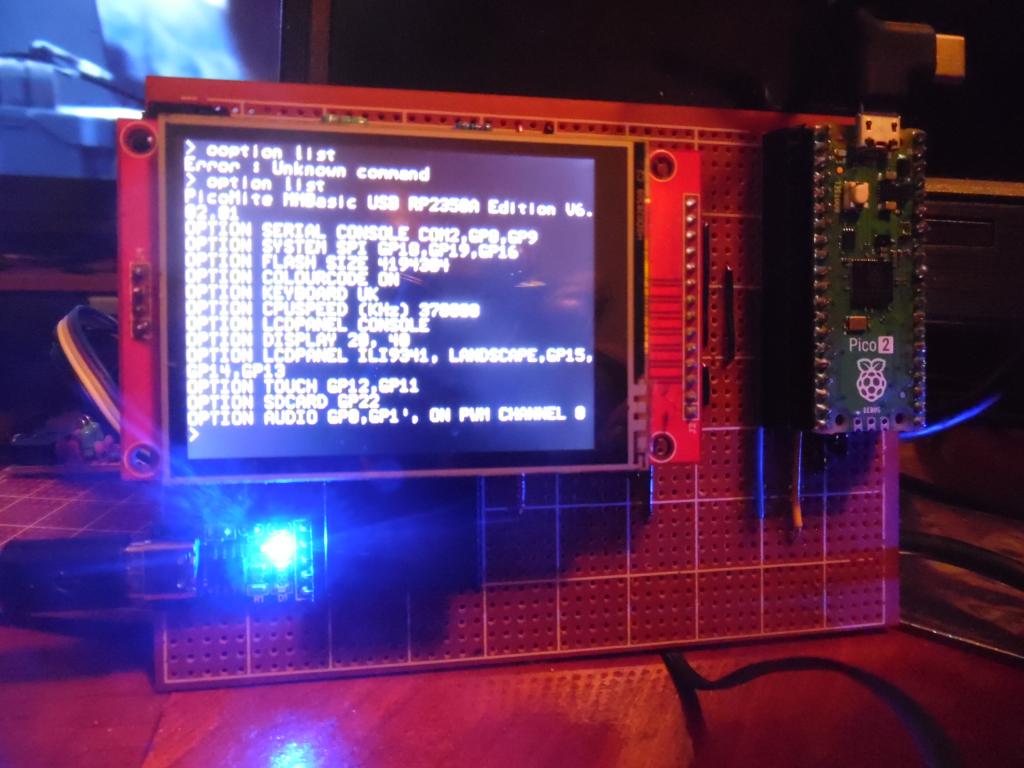
I tried picomite 2350 usb on ili9341 and "eventually, 3rd flash firmware" mmcc let me type the options and it's like before, ie works. I forgot how I got it working the previous beta, downloaded tera term cos I remembered it. doh > option list PicoMite MMBasic USB RP2350A Edition V6.02.01 OPTION SERIAL CONSOLE COM2,GP8,GP9 OPTION SYSTEM SPI GP18,GP19,GP16 OPTION FLASH SIZE 4194304 OPTION COLOURCODE ON OPTION KEYBOARD UK OPTION CPUSPEED (KHz) 378000 OPTION LCDPANEL CONSOLE OPTION DISPLAY 20, 40 OPTION LCDPANEL ILI9341, LANDSCAPE,GP15,GP14,GP13 OPTION TOUCH GP12,GP1.1 OPTION SDCARD GP22 OPTION AUDIO GP0,GP1', ON PWM CHANNEL 0
Posted: 11:37pm 29 Mar 2026 Copy link to clipboard
stanleyella Guru
The manual is bigger, lots of info. To match the above connections the following configuration commands should be entered, one by one at the command prompt: OPTION SYSTEM SPI GP18, GP19, GP16 OPTION LCDPANEL ILI9341, L, GP15, GP14, GP13 OPTION TOUCH GP12, GP11 OPTION SDCARD GP22 These commands will be remembered and automatically applied on power up. Note that after each command is entered the firmware will restart, and the USB connection will be lost and must be reconnected. I used mmedits-mmcc connected usb to ttl converter to serial com2,gp8,gp9 and entered each option and didn't lose usb so didn't reconnect.
Posted: 09:35am 30 Mar 2026 Copy link to clipboard
dddns Guru
Ok. If I try long enough I can have cursor down pressed constantly and the code flows by just like in serial and I can't see whats different and I thought of a timing problem..
Edit: I opened up a serial connection and over Telnet simultaneously. With the above described the code flows by in both screens. If I focus now on the serial window and use it as input, the code flows smooth in the serial window and the Telnet comes in blocks,chunks.
Edit2: I think I saw it working much better in the beginning of Webmite firmware. Didn't touch it since there is this delay while typing. Can't see overhead as explanation for a single keystroke. Edited 2026-03-30 20:08 by dddns
Posted: 11:16am 30 Mar 2026 Copy link to clipboard
matherp Guru
dddns: you have multiple issues going on. Press a single key in the remote terminal and to echo it back approx 134 bytes transit the link and packets need to be received and constructed. In addition on the Pico, the protocol stack needs to be read from flash in order to do the processing. Holding a key down and some or all of the code will end up in cache hence the speedup. However, as soon as you do anything else on the Pico the cache will be flushed. To optimise this the telnet code has a timer and attempts to batch processing hence the chunking effect when the input is on a serial connection. It is what it is and I have no intention of revisiting this.
Posted: 11:33am 30 Mar 2026 Copy link to clipboard
dddns Guru
Thanks for the explanation. I really didn't want to insist on it. Is it better on the 2W?
Posted: 01:10pm 30 Mar 2026 Copy link to clipboard
terekgabor Newbie
Is there any way on Picocalc to check if SHIFT+left and right arrow pressed? It is working with SHIFT+up and down (these has individual ascii code). But how to check left and right with shift?
Thx!
Page 2 of 4
The Back Shed's forum code is written, and hosted, in Australia.